
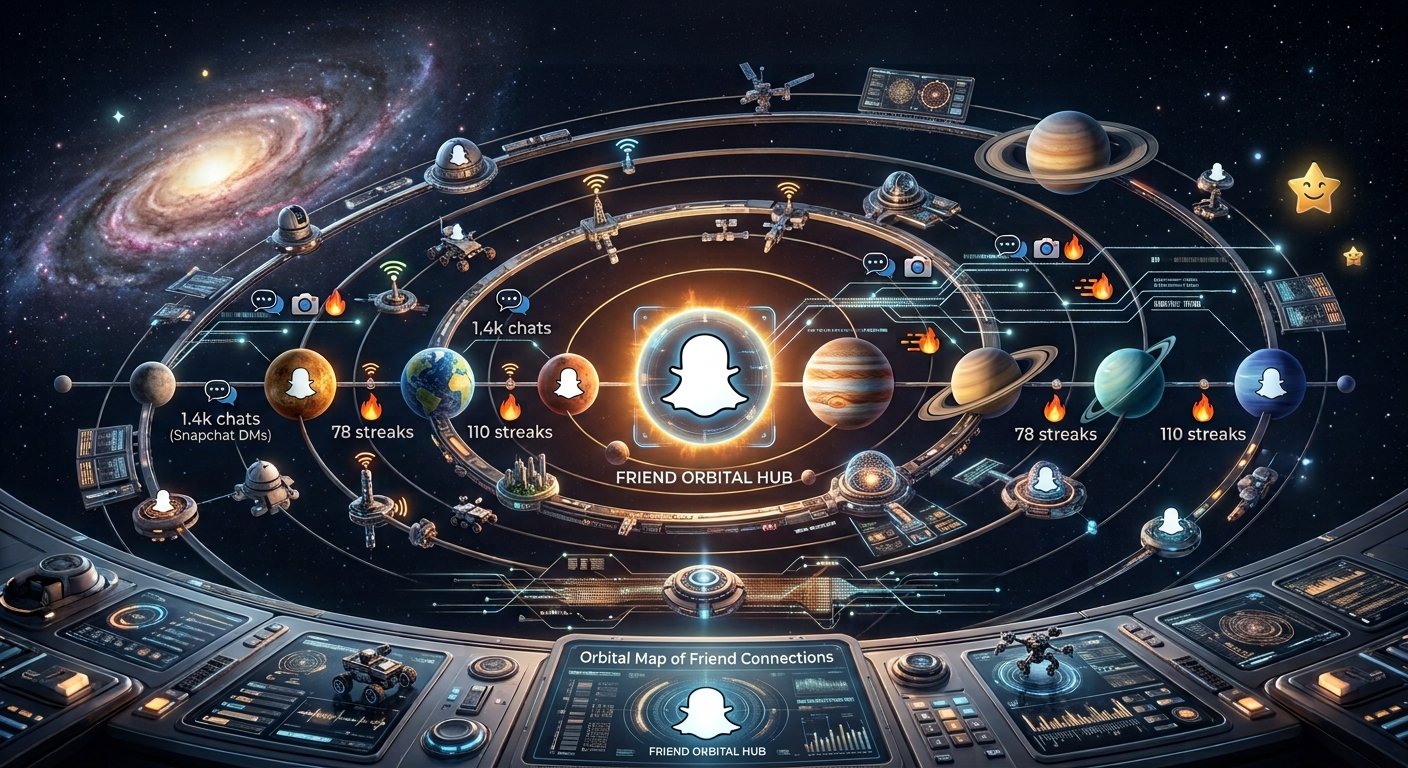
If you have Snapchat+ and you saw small, colorful planets next to your friends’ names, you are not the only one confused. This feature is called the Friend Solar System. It has become one of the most talked-about parts of Snapchat Plus. It turns your close friendships into a fun, visual ranking. This guide will explain what Snapchat Plus planets mean, how the ranking works, and how to turn it on.
What Are Snapchat Plus Planets?
Snapchat Plus planets are a special Snapchat+ feature called the Friend Solar System. Instead of a simple numbered list of your best friends, Snapchat shows your top 8 friends as planets, like our solar system. You are in the middle, like the Sun. Your 8 closest friends orbit around you. Each friend gets a planet, based on how much you talk to them.
This is not just for looks. It is a real ranking based on your activity. It updates by itself as your friendships change.
How Does the Ranking Work?
The ranking is based only on real activity. You cannot set it yourself. Snapchat looks at things like:
- How many snaps you send and get
- How much you chat
- Story replies and other messages
Using this information, your top 8 friends get sorted automatically. Each one gets a planet — from the friend you talk to most, to the one you talk to least (but still in your top 8).
Snapchat Planets Order and Meaning
The planets follow the same order as our real solar system:
- Mercury – Your closest friend, the one you talk to the most
- Venus – Your second closest friend
- Earth – Your third closest friend
- Mars – Your fourth closest friend
- Jupiter – Your fifth closest friend
- Saturn – Your sixth closest friend
- Uranus – Your seventh closest friend
- Neptune – Your eighth closest friend (last in your top 8)
Being Mercury is the best spot. It means you and that friend talk more than with anyone else. Neptune still means you’re in someone’s top 8 — just at the bottom of that list.
Does the Ranking Ever Change?
Yes, it changes all the time. This is very important to understand. Your spot is not fixed. If you start talking more or less with someone, your ranking will change too. A friend who is your Mercury today could become your Venus or Mars later, if you talk less. The system always shows your current friendships, not old ones.
How to Turn On Snapchat Planets
This feature is turned off by default, even for Snapchat+ users. Here is how to turn it on:
- Make sure you have Snapchat+
- Go to your Snapchat profile
- Open Snapchat+ settings
- Find Solar System and turn it on
Once it’s on, you can see your spot in a friend’s solar system too, if certain conditions are met.
How to Check What Planet You Are
Want to know your spot with a friend? Here’s how:
- Open your friend’s profile
- Look for a gold badge — it will say Best Friends or Friends
- “Best Friends” means you’re in their top 8
- Tap the badge to see which planet you are
Both you and your friend usually need Snapchat+ and the feature turned on to see this.
Can Friends See Your Solar System?
This works in a private, one-way manner. When you turn on the feature, you can see your spot in a friend’s system. But they cannot automatically see yours, unless they also have Snapchat+ and turn it on too. So you could be someone’s Mercury, while they are your Jupiter. This is because each person’s ranking depends only on their own activity, not on shared data.
Planet Designs
Each planet also has its own color and design, like hearts, stars, or rings. This makes it easy to tell the planets apart just by looking.
Why Is This Feature So Popular?
Many people, especially younger users, love this feature because:
- It’s fun and visual: A space-themed ranking feels more fun than a plain number
- It feels honest: Since it’s based on real activity, it feels true, not made up
- It’s a trend: Many people share their planet chart online, which makes it popular
- It makes people curious: Everyone wants to know where they stand with people they care about
Can You Turn It Off?
Yes. If you don’t want to use the Friend Solar System, you can turn it off anytime in your Snapchat+ settings. Once turned off, your planet rankings disappear. Friends also won’t be able to see your position anymore.
A Note About Privacy
Since this feature ranks friendships, it can sometimes make people feel a bit anxious or compared to others. Snapchat tries to keep this private. Rankings are not shown publicly. The goal is to make it fun, not to create competition.
Final Thoughts
Snapchat Plus planets give you a fun and creative way to see where you stand with your close friends. It uses the idea of your own personal solar system. Whether you are checking your own list, or curious where you land with a friend, this feature adds a fun and always-changing part to Snapchat. Just remember — it’s based on real activity, and it can always change over time.